The POS software for
restaurants, cafés and fast food
Take orders faster, send them to the kitchen without mistakes and follow your service live on your phone. Tables, table tags, ordering kiosk, delivery: everything is included for €9 a month.
- Floor plan & tables
- Kitchen screen and ticket
- Ordering kiosk included
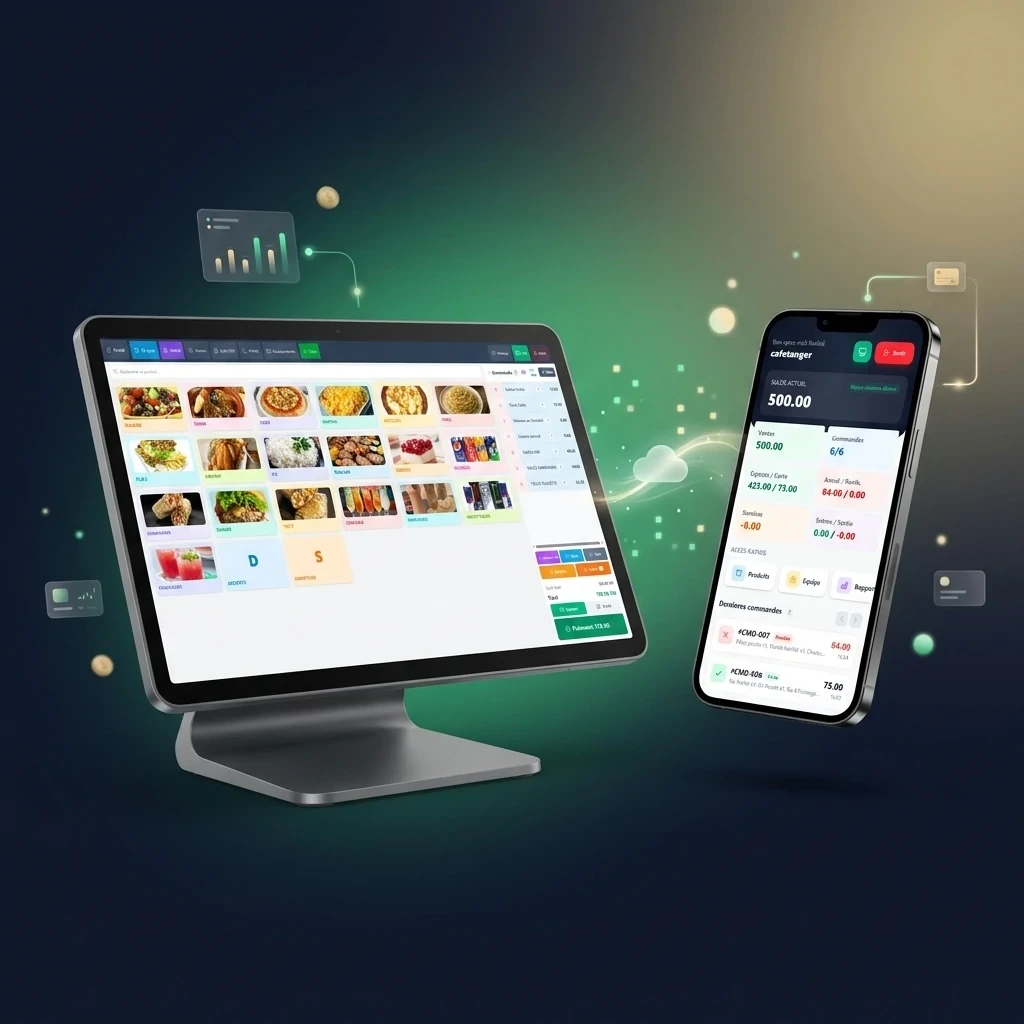
Restaurant, café or fast food: POSMobile fits your service
At setup, we configure the till for the way you work. You only see what is useful to you.
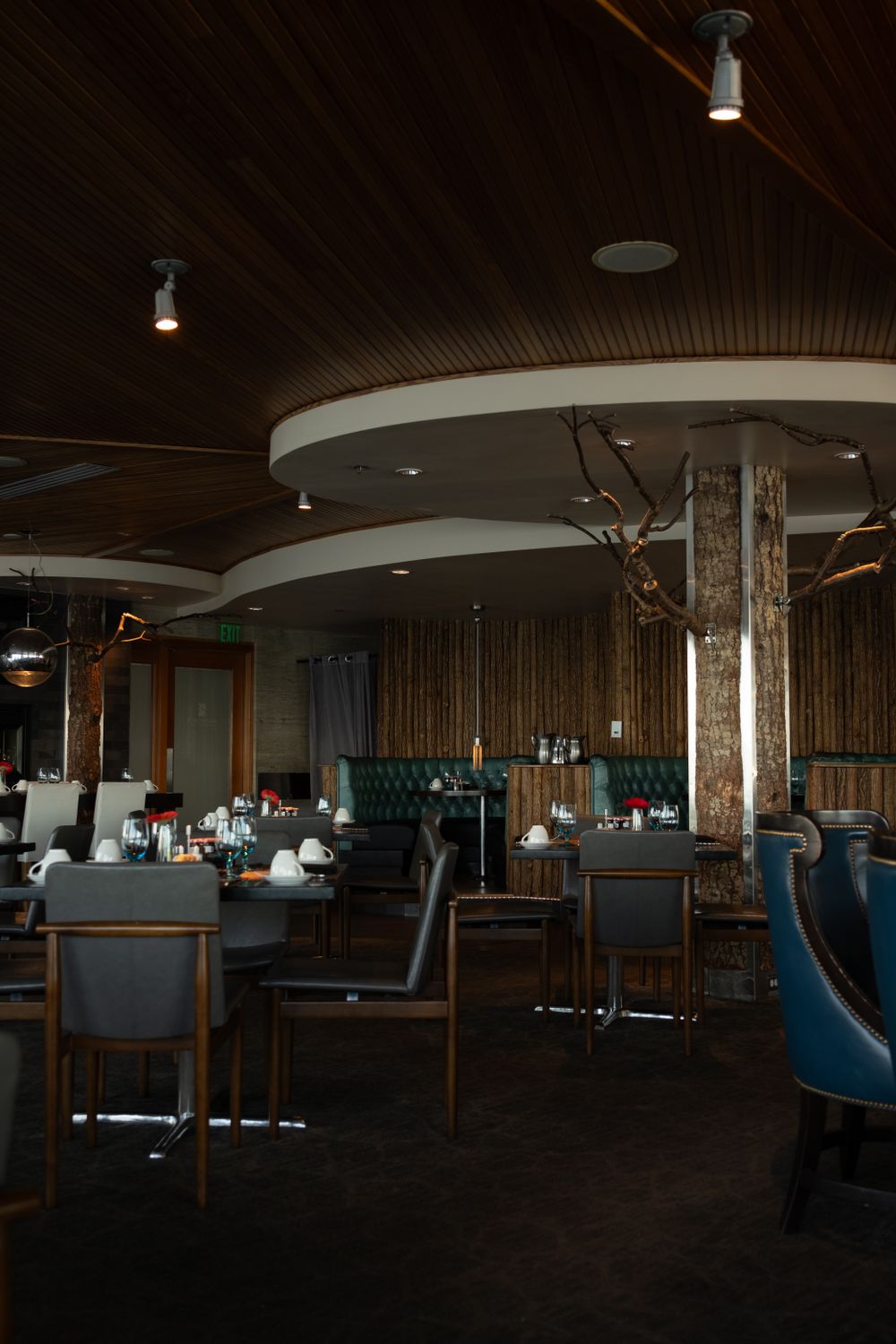
🍽️ RestaurantTable service,
without paper
- Floor plan: free, occupied and ready-to-pay tables
- Orders sent to the kitchen in one click
- Split bills: each guest pays for their own items
- Customer name on the table and the kitchen ticket
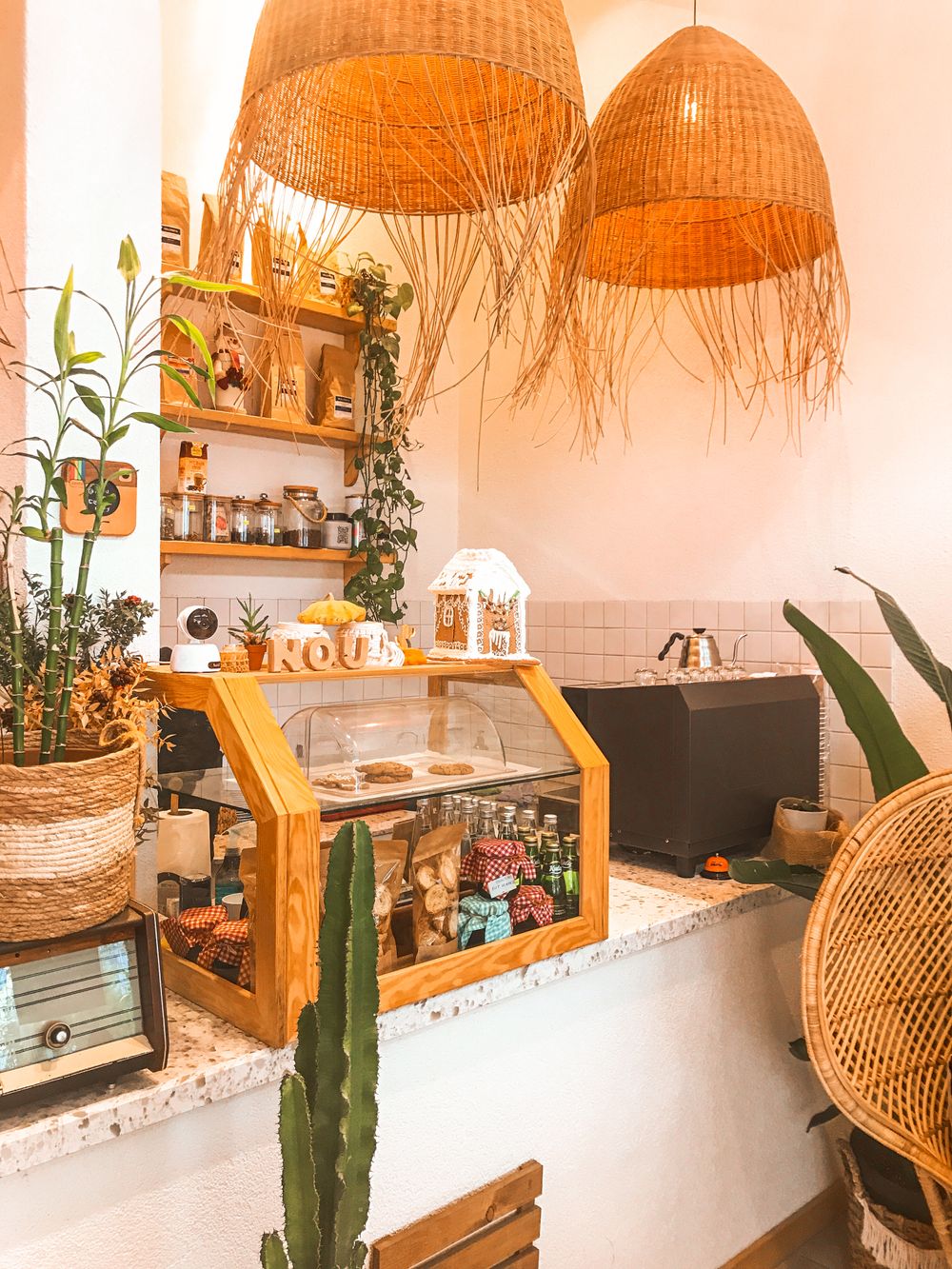
☕ Café & tea roomA counter that keeps
up with you
- Checkout in 2 clicks, even at rush hour
- Sales tracked per waiter
- Cash drawer that opens by itself
- Evening closing with the manager's code
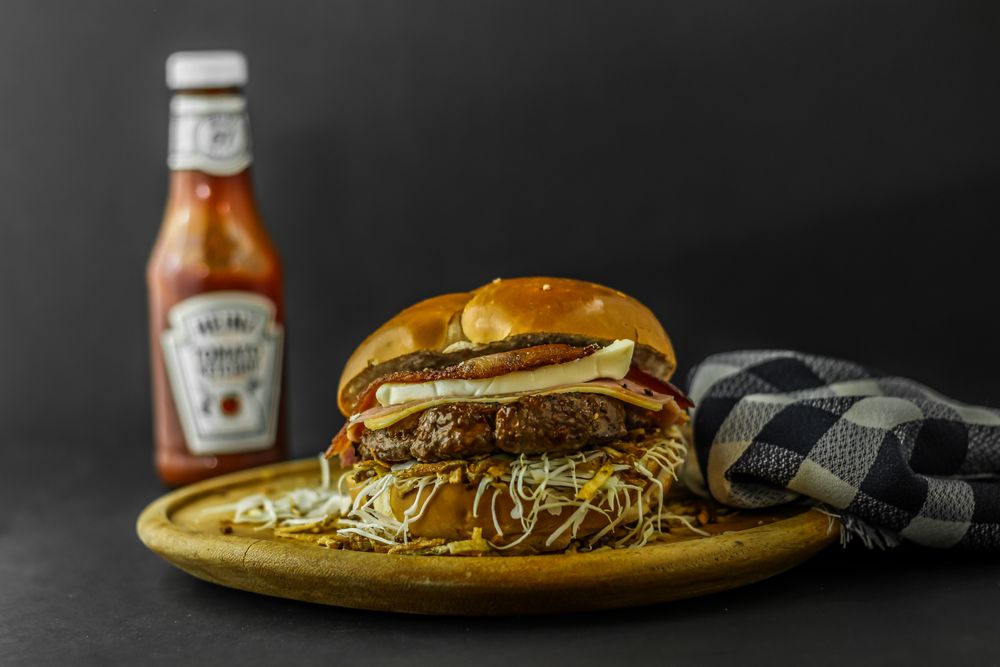
🍔 Fast food & snack barMore orders,
less waiting
- Numbered table tags for serving in the room
- Self-service ordering kiosk
- Dine-in, takeaway or delivery
- Options and extras on every product
3 problems that cost your restaurant money
- Paper tickets get lost between the floor and the kitchen
- At night, the cash doesn't match the sales
- You don't know which dishes really make money
POSMobile
- Orders sent to the kitchen, without mistakes
- Clear end-of-day closing, differences spotted
- Reports by product, category and order type
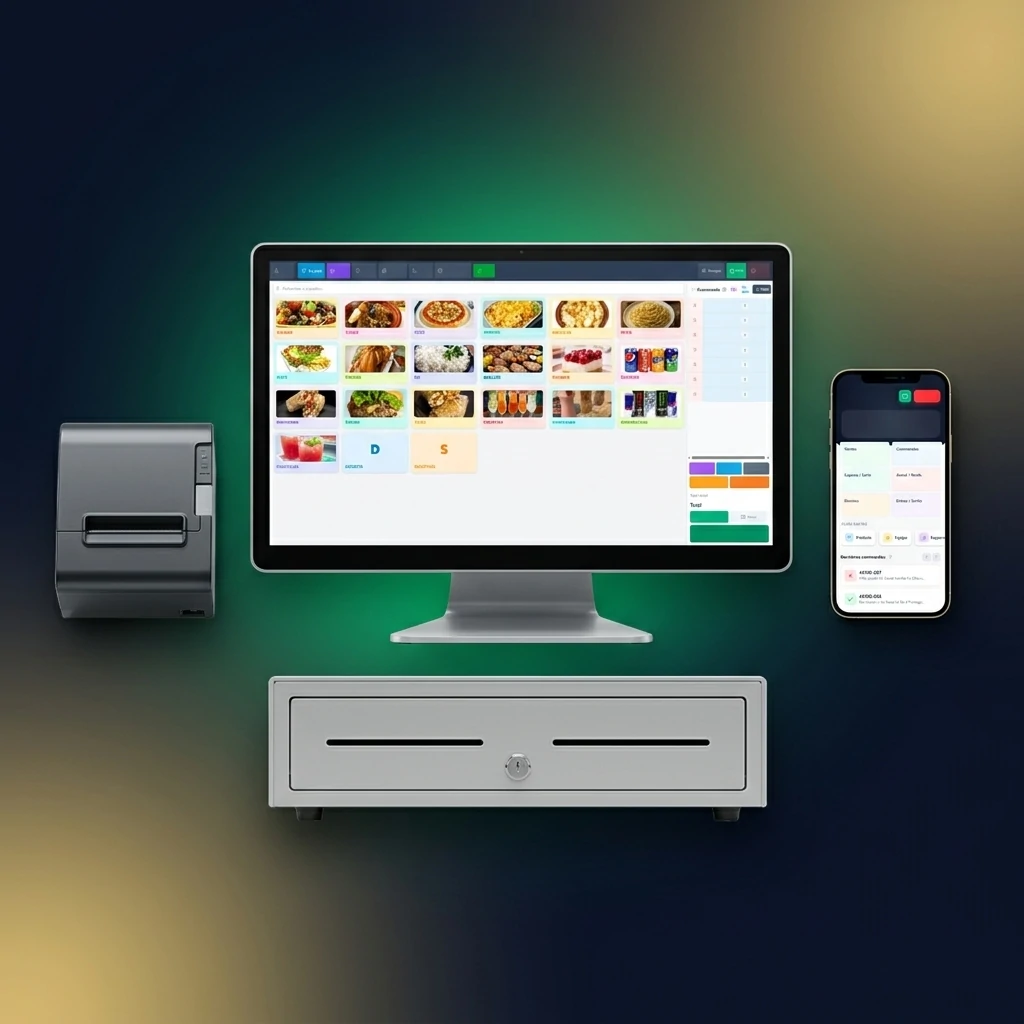
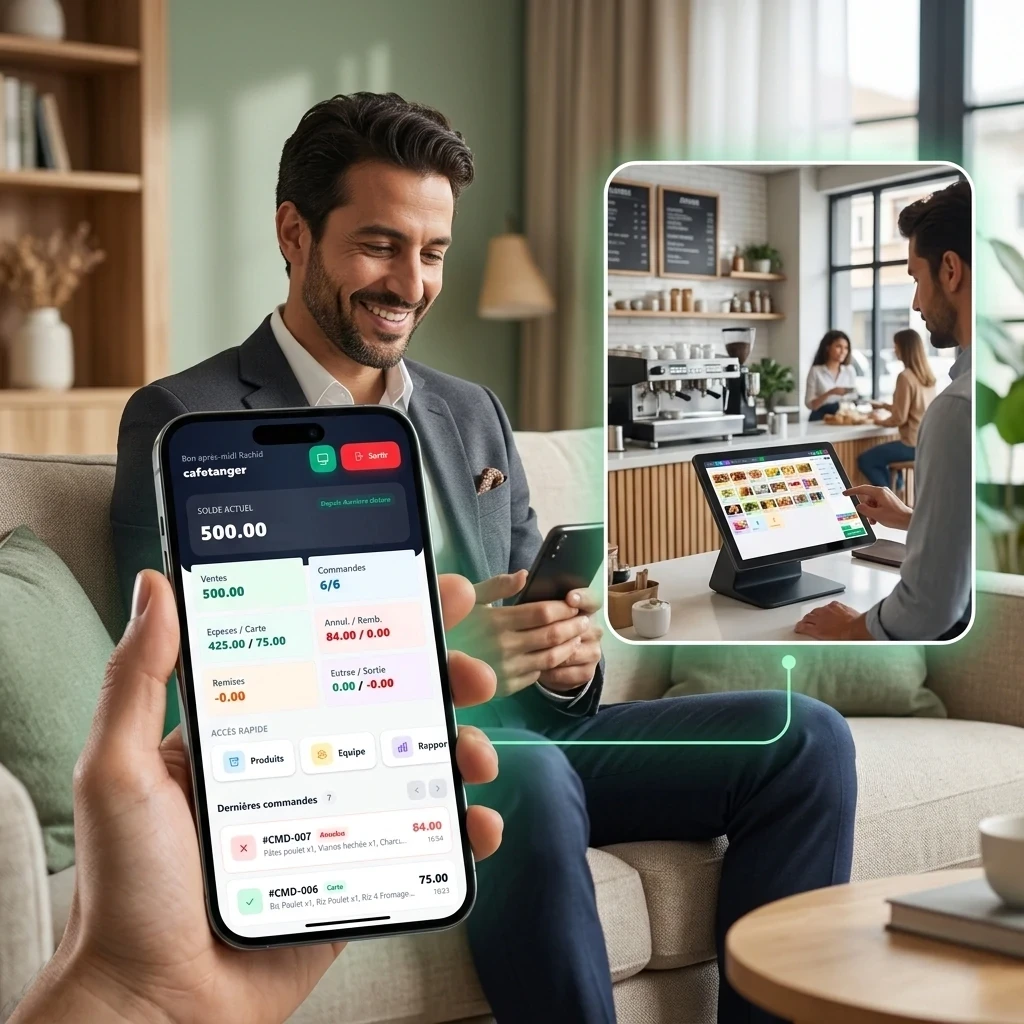
From order to kitchen, everything is connected
Click a tab to see the screen.
Your dining room at a glance
- Free, occupied or ready-to-pay tables
- One order per table, added to at any time
- Split bill per guest
- Receipt and cash drawer at checkout
The kitchen gets everything, clearly
- Kitchen screen or printed ticket, your choice
- Options and notes clearly shown: cooking, sauces, "no onion"
- Dine-in, takeaway, delivery or table tag: shown on every order
- Kiosk orders reach the kitchen too
2× Chicken tajine
1× Royal couscous
No olivesDine-in3× House burger
1 well done3× Fries
Takeaway2× Margherita pizza
1× Caesar salad
DeliveryAn ordering kiosk at no extra cost
- Customers order on their own, with pictures
- Options and extras offered: the average basket goes up
- Order number to call the customer
- Shorter queues at peak hours
Run your business with real figures
- Revenue, margin and best-selling products
- Dine-in, takeaway and delivery counters
- Detail of every order: items, waiter, table
- PDF export for your accountant
Café crème
Chicken tajine
Orange juice
Everything food service needs, no paid add-ons
Nothing extra to buy: the whole system is included in the €9 monthly licence.
Floor plan & tables
Free, occupied, ready-to-pay tables. The customer's name can be noted on the table.
Table tags
A table tag number per order, printed large on the ticket to serve the right table.
Kitchen screen & ticket
Every order goes to the kitchen with its options, notes and type (dine-in, takeaway, delivery).
Ordering kiosk
Self-service ordering with pictures, options and extras. The order goes straight to the kitchen.
Options & extras
Cooking, sauces, sizes, paid extras: customers build their order, the kitchen sees it all.
Delivery & takeaway
Customer address and delivery fees. Switch mode without losing the current basket.
Split bills
At the same table, each guest pays for their own items. The rest of the table waits its turn.
Waiters & permissions
PIN code per employee, permissions, sales per waiter. Sensitive actions require the manager's code.
End-of-day closing
Cash, card, discounts, refunds: the evening closing is ready in one click, differences stand out.

Your service, live on your phone
On the floor, in the kitchen or at home: see your sales, orders and till in real time, without standing behind the counter.
Cash register or POSMobile: what changes in food service
| Cash register or paper tickets | Traditional software installed on a PC | POSMobile | |
|---|---|---|---|
| Orders to the kitchen | Spoken or on paper | Depends on the version | Kitchen screen or ticket, automatic |
| Floor plan and tables | No | Paid add-on | Included |
| Ordering kiosk | No | Often paid | Included |
| Split bills | By hand | Rarely | Each guest pays for their items |
| Delivery and takeaway | Not tracked | Basic | Address, fees, counters |
| Remote monitoring | Impossible | Rarely | Live on your phone |
| Price | A machine to buy | Licence + dedicated PC | €9/month all included, 1st month €1 |
Your restaurant equipped in 3 steps
You sign up
2 minutes online. The 1st month costs only €1.
We set up your menu
Dishes, drinks, options, prices and tables: entered with you or imported from your old system.
You serve
Your team is trained and you follow the service from your phone.
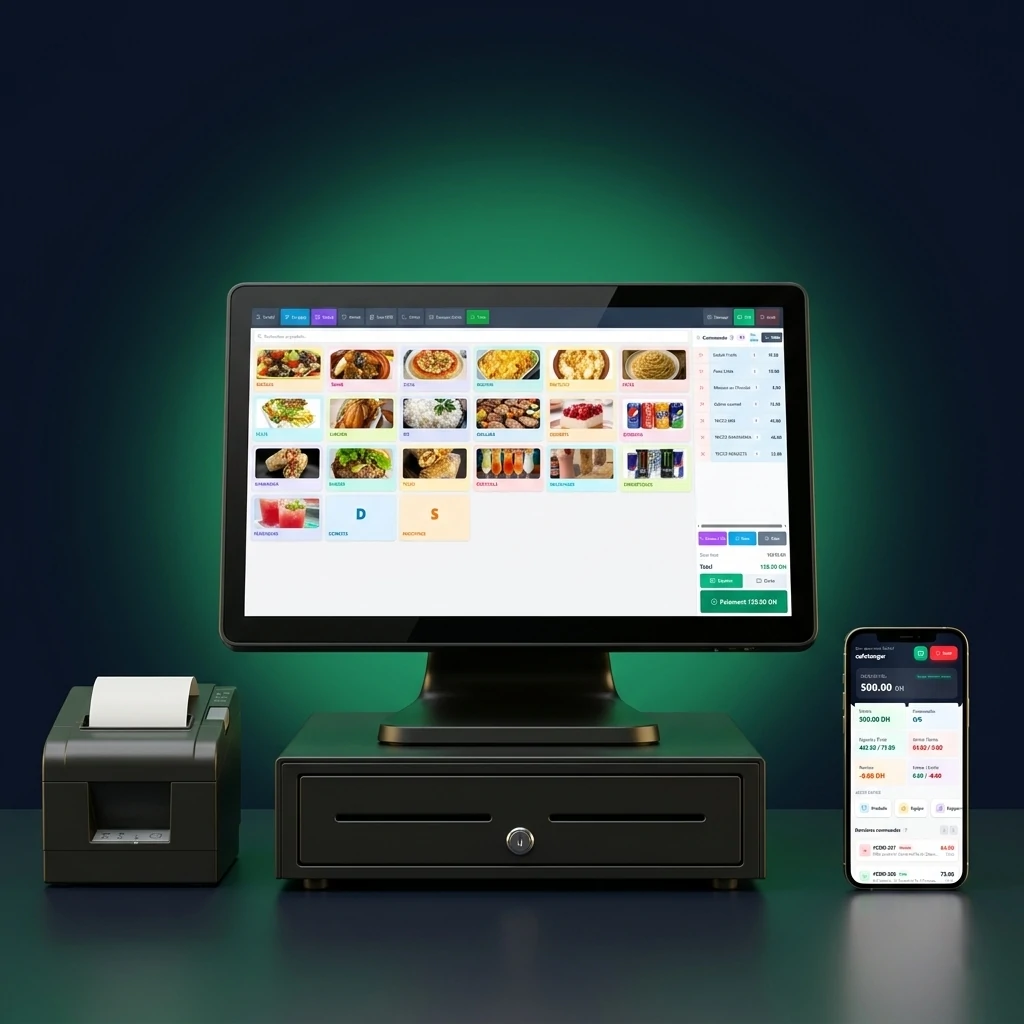
Touch screen, printer, drawer: keep your own
POSMobile runs in the browser, on a tablet or computer, and connects to standard till hardware. Several stations can work at the same time: till, kitchen, kiosk.
- Receipt printer and kitchen printer
- Cash drawer that opens automatically
- Kitchen screen and ordering kiosk
One price, the whole system included
Every feature, updates and WhatsApp support. No paid add-ons, no hidden fees.
- The whole system included
- Your products set up with you
- Training and support on WhatsApp
- The whole system included
- No commitment: stop whenever you like
- Support on WhatsApp
- The whole system included, 12 months
- One payment a year, nothing to renew every month
- Support on WhatsApp
Pay the way you like
Card and PayPal: online payment. Wave and Western Union: we send you the instructions on WhatsApp and your account is activated on receipt.
Restaurant POS software: your questions
How much does POSMobile cost for a restaurant?
The licence costs €9 a month with every food service option: tables, table tags, kitchen screen and ticket, ordering kiosk, delivery and reports. No hidden fees, no commitment, and the first month costs only €1.
Does the software send orders to the kitchen?
Yes. Every order goes to the kitchen screen or kitchen printer, with its options, notes and type: dine-in, takeaway, delivery or table tag.
Can I set up an ordering kiosk?
Yes, the kiosk is included. Customers order on their own, with pictures, options and extras, and the order goes straight to the kitchen.
Can each guest at a table pay separately?
Yes. With split bills, each guest pays for their own items; the rest of the table stays open until the next payment.
Can I handle delivery and takeaway?
Yes. You set the order type, the address and the delivery fee. Reports count dine-in, takeaway and delivery orders separately.
Can I monitor my restaurant remotely?
Yes. From your phone you see sales, orders, cash and card payments, cancellations and discounts in real time.
Your restaurant deserves a real till
Restaurant, café or fast food: start with POSMobile for €1 the first month. We set up your menu with you.